Bring your calendars.
Connect calendars already on your device, including iCloud, Google and Outlook. Or begin with local plans.
 dayelvaComing soon
YOUR DAY, BEAUTIFULLY PLANNED
Your plans, little tasks and big ideas.
One thoughtful place to bring them together.
For iPhone, iPad, Apple Watch & Mac
A calendar that feels
a little more like you.
Make plans.
Leave room for life.
A FRESH PERSPECTIVE
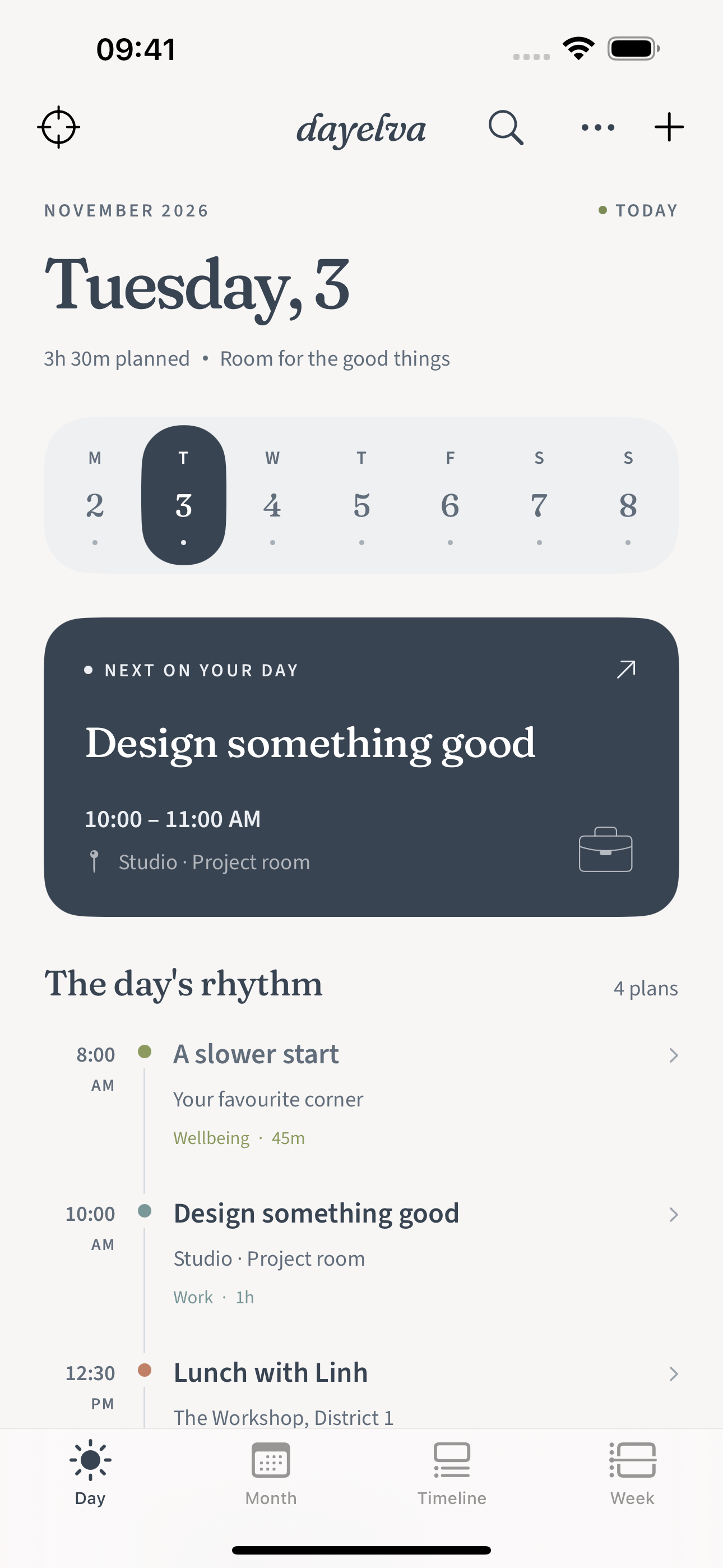
Zoom in on what’s next, or step back and see the shape of your week. There’s a view for the way you think.
DAY / ONE THING AT A TIME
Native app screenshots with example plans.
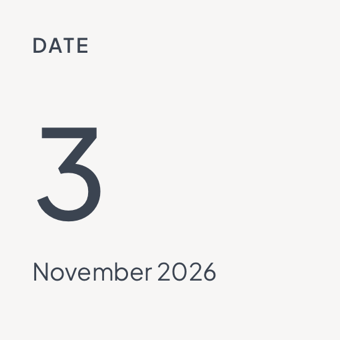
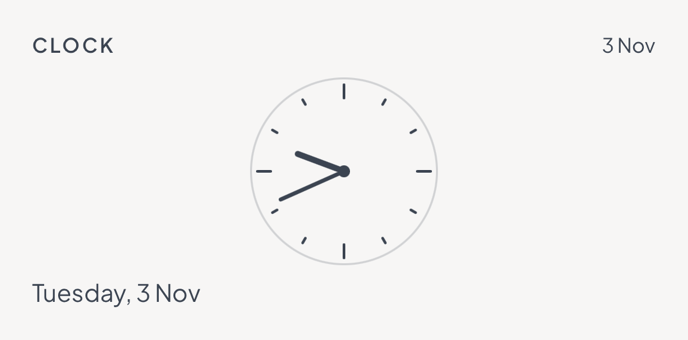
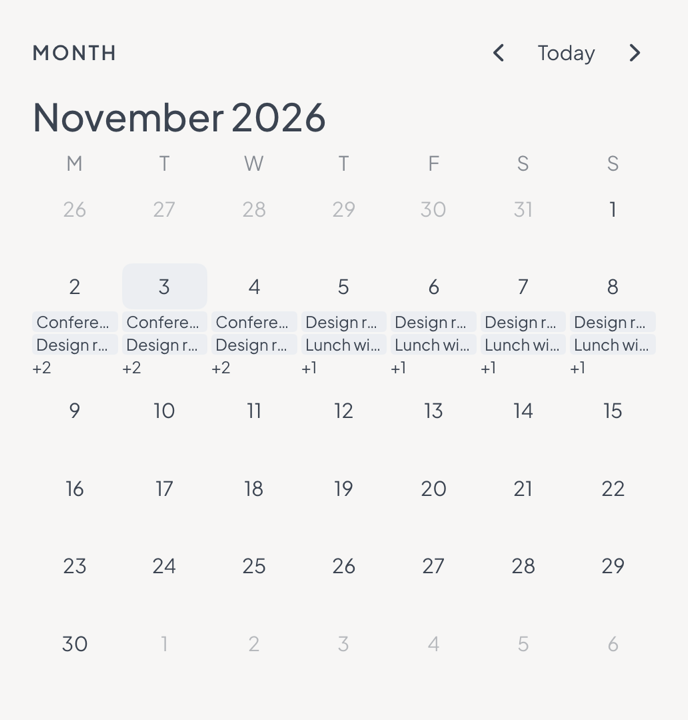
Widget design previews · illustrative data
THOUGHTFUL BY DESIGN
Connect calendars already on your device, including iCloud, Google and Outlook. Or begin with local plans.
Tasks and notes live beside your schedule. An idea for later is still part of today.
No Dayelva account required. Calendar, location and notification permissions are yours to choose.
Our privacy approachDAYELVA PRO
A richer collection of fonts, palettes and details. Choose the look that feels right, and make your everyday a little more personal.
No Pro subscription. Final local pricing will appear in the App Store. Calendars, tasks, notes and widgets remain free.
We’re preparing the first App Store release for iPhone, iPad, Apple Watch and Mac. Dayelva is not available to download yet. We’ll add the official download link here when it launches.
Yes. Dayelva can work with calendars already configured on your device, through Apple’s calendar permissions. Your existing provider handles their sync.
No. Planning views, calendars, tasks, notes and widgets are free. Pro adds more ways to personalize the app with typography, colors and supported alternate icons.
Connected calendars sync through their existing providers. Optional iCloud appearance sync shares selected design settings. Local Dayelva events, tasks and notes do not have full cloud sync. The paired Watch receives a reduced snapshot from iPhone.
Fonts use system glyph fallback and support Dynamic Type. Dates follow locale settings. The first app interface is primarily English; full interface translation is not yet available.
SOMETHING GOOD IS TAKING SHAPE
Dayelva is coming soon to the App Store.
Get in touch iPhone · iPad · Apple Watch · Mac